
Backup & Continuity
Backup restore testing checklist for small MSPs
A practical restore-testing checklist for small MSPs covering test depth, cadence, RPO and RTO evidence, failure handling, scope, and client reporting.
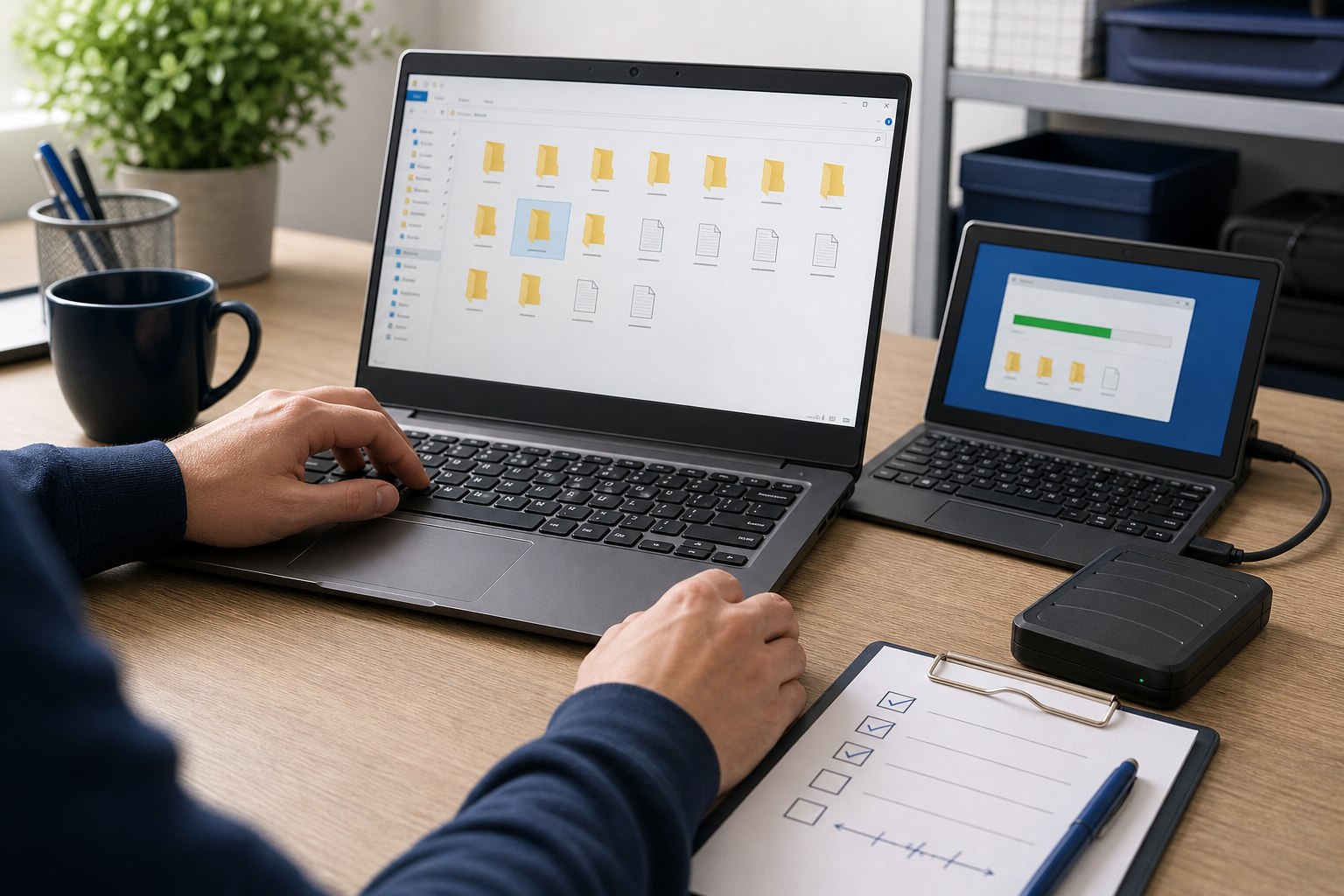
Short answer: A green backup job is not recovery proof. A small MSP needs a repeatable test that restores the intended data or workload, validates that it is usable, measures the elapsed time, and leaves a ticket showing what passed, what failed, and who owns the next action.
The backup job is only the first control
A backup platform can report success while the client still has missing data, stale credentials, an unreachable repository, an application that cannot start, or a restore that takes longer than the business can tolerate.
That does not make the dashboard useless. Job monitoring is necessary. It is simply a different control from recovery testing.
The NIST guide for managed service providers separates the practical work clearly: backups need to be conducted, maintained, and tested, and the recommendations should be adapted to the organization's needs. The CISA StopRansomware Guide also recommends maintaining offline, encrypted backups and testing backup availability and integrity in a recovery scenario.
For a solo MSP or a team of two to five people, the answer is not a huge disaster-recovery program for every client. It is a test ladder the team can operate, price, and prove.
Define the recovery promise before the schedule
Do not start with "monthly" or "quarterly." Start with what the client expects you to recover.
For each protected workload, record:
- The system, application, mailbox, site, folder, database, or endpoint in scope.
- The data locations that are included and any known exclusions.
- The available restore points and retention expectation.
- The recovery point objective, or how much recent data the client can lose.
- The recovery time objective, or how long the business can tolerate the service being unavailable.
- The restore type the MSP has actually promised.
- Who can approve an emergency restore.
- Who validates that the restored result is usable.
- Which vendor, identity, network, license, DNS, or hardware dependencies are required.
If those answers are missing, the test will prove only that a button works. It will not prove that the client's recovery expectation is supportable.
Use the scope and SLA boundaries guide when the client expects full disaster recovery but the agreement only funds backup monitoring or file-level restores.
Use a restore-testing ladder
Not every test needs to rebuild the entire client. Use the lowest test that produces meaningful evidence, then raise the level for critical workloads or stronger promises.
Level 1: job and coverage review
Confirm that scheduled jobs ran, alerts created action, protected sources still exist, storage is reachable, retention has not drifted, and new systems have not appeared outside coverage.
This is monitoring, not a restore test. Keep it because it catches daily failures, but label it honestly.
Level 2: sampled item restore
Restore a known file, folder, mailbox item, cloud object, or small dataset to an isolated location. Open it, compare the expected date or content, and record the elapsed time.
This is efficient for frequent testing. It does not prove that a full server, application, or tenant can be recovered.
Level 3: application-aware restore
Restore a database, application dataset, system state, or other workload that needs more than files. Confirm that the application can read the restored data and that permissions, consistency, dependencies, and credentials behave as expected.
This may require the application owner or client to validate business data. Define that responsibility before the test.
Level 4: workload recovery exercise
Recover or boot a full server, virtual machine, core service, or documented recovery sequence in an isolated environment. Validate startup, identity, networking, application dependencies, and a small set of business transactions.
This is closer to disaster-recovery evidence. It also consumes more storage, technician time, vendor support, cloud resources, and client coordination. Price it accordingly.
Choose a cadence the team can actually sustain
There is no useful universal schedule for every client and workload. Risk, rate of change, recovery promise, regulation, vendor capabilities, and budget all matter.
A practical starting cadence for a small MSP can be:
- Every business day: review failed jobs, disabled jobs, missed sources, and alerts that did not create action.
- Monthly: restore a sample from important file, cloud, or mailbox workloads and rotate the sample.
- Quarterly: test an application-aware restore or full workload when that recovery capability is part of the service promise.
- Annually and after major change: walk through the broader recovery sequence, contacts, credentials, dependencies, priorities, and client decisions.
This is a starting point, not a compliance standard. A critical database may need stronger evidence. A low-risk archive may need less. A client contract, regulatory requirement, cyber insurance condition, or documented business impact may set a different cadence.
The monthly review checklist is the right place to make missed tests, failures, and open client decisions visible.
Prepare the test ticket before touching data
Create the ticket before the restore begins. That keeps the test from turning into an undocumented technician experiment.
Record:
- Client and protected asset.
- Test level and reason for the test.
- Selected restore point.
- Expected RPO and RTO, if defined.
- Isolated destination and available capacity.
- Required credentials and approval.
- Expected dependencies.
- Technician and planned start time.
- Safety boundary that prevents overwriting production.
- Validation owner and success criteria.
If the test could incur cloud egress, vendor charges, application licensing, after-hours work, or business interruption, confirm approval first.
Run the restore without creating a new incident
Use an isolated destination whenever the test could overwrite, synchronize, send mail, trigger integrations, or expose sensitive data.
During the restore:
- Record the actual start time.
- Use the documented recovery credentials rather than an owner's remembered shortcut.
- Note vendor or platform steps that were not in the runbook.
- Record warnings, retries, throttling, missing permissions, and support cases.
- Protect restored data with the same care as production data.
- Stop if the test risks changing live systems or exceeding approved scope.
A test that succeeds only because the owner knows an undocumented workaround is still a documentation failure.
Validate usability, not only file presence
The validation should match the recovery promise.
For a file or cloud item, confirm that it opens, contains the expected content, has a plausible timestamp, and preserves required permissions or metadata.
For an application or server, confirm as applicable:
- The workload starts without unresolved errors.
- Required services and dependencies are present.
- The application can read the restored data.
- A representative user can authenticate in the isolated test path.
- A small business transaction or query behaves as expected.
- The recovered point matches the expected RPO.
- The elapsed time can be compared with the expected RTO.
Passing a technical boot does not automatically prove business recovery. When the client owns business validation, the ticket should say whether that validation happened or remains open.
Close with evidence and a next action
A useful restore-test record contains:
- Asset and restore point tested.
- Test level and isolated destination.
- Start time, usable-result time, and total elapsed time.
- Validation performed and who performed it.
- Result: passed, passed with exceptions, failed, or blocked.
- Screenshots, logs, or vendor reports that support the result.
- RPO or RTO mismatch.
- Runbook changes discovered during the test.
- Client decision, remediation ticket, and retest date when needed.
Do not close a failed test as "reviewed." A failed test should create an owned action and a retest. If the gap leaves the client without the protection they believe they are buying, communicate that boundary plainly.
The documentation standard helps keep credentials, dependencies, backup ownership, and restore instructions in the same operating record.
Keep the commercial boundary visible
Restore testing consumes real labor. A monthly agreement can include it, but the price needs to fund the promised depth and cadence.
Define whether the recurring service includes:
- Job monitoring and failure response.
- Sample restores.
- Application-aware restores.
- Full workload boot tests.
- Client reporting.
- Runbook maintenance.
- Vendor coordination.
- Remediation after a failed test.
- Emergency recovery during a real incident.
Do not hide a full disaster-recovery exercise inside a low-cost backup line item. If the service promise grows, use the managed services pricing guide to price the labor, tool cost, risk, and exception handling.
Common mistakes
The most common mistake is treating a vendor success report as the entire test.
Other failures are just as common:
- Testing the same easy file every month while critical applications remain untested.
- Restoring through an admin path that would not be available during an incident.
- Ignoring cloud, identity, DNS, license, encryption-key, or vendor dependencies.
- Measuring transfer completion but not time to a usable service.
- Leaving restored sensitive data on a technician device or temporary share.
- Performing a production overwrite because the test destination was unclear.
- Recording screenshots without a result, owner, or next action.
- Selling a recovery time that has never been measured.
The goal is not a perfect report. It is a recovery path the team can repeat when the owner is unavailable and the client is under pressure.
When to raise the level
Strengthen the process when a client has regulated or highly sensitive data, large datasets, very short recovery expectations, several sites, complex applications, local and cloud dependencies, frequent infrastructure change, cyber insurance requirements, or leadership asking for formal recovery evidence.
Strengthen the MSP process when tests depend on one technician, evidence is inconsistent, failures repeat, restore time keeps exceeding expectations, vendors control critical credentials, or the team cannot explain which workload comes back first.
At that point, the next step may be a dedicated recovery runbook, automated verification, isolated recovery infrastructure, a tabletop exercise, or a separately priced business continuity project. The signal is not company size. It is whether the current process can still fund and prove the promise.
FAQ
Does a successful backup job prove that recovery will work?
No. A successful job shows that the backup process completed. Recovery confidence comes from restoring the intended data or workload, validating the result, measuring the time, and recording the evidence.
How often should a small MSP test restores?
Use a written cadence based on client risk, recovery expectations, workload changes, and the service agreement. A practical starting point is frequent job review, monthly sample restores for important data, quarterly workload tests where recovery is sold, and a broader annual exercise.
Is file sync the same as an independent backup?
Not automatically. Sync, version history, retention, deletion behavior, administrative isolation, and recovery options solve different problems. Document what each service protects and test it against the client's actual recovery requirement.
What evidence should a restore test ticket contain?
Record the asset, restore point, test type, isolated destination, start and finish times, validation performed, result, exceptions, technician, and next action. Attach vendor reports or screenshots as supporting evidence, not as the whole test.
Should restore testing be included in the monthly managed service price?
Only when the agreement defines the systems, cadence, test depth, evidence, and labor the monthly price funds. Full disaster-recovery exercises, large restores, application validation, and remediation may need separate approval.
Related guides

Security baseline for small MSPs
Define the controls, evidence, and client boundaries a small MSP can actually operate each month.

MSP monthly review checklist for small teams
Run a useful monthly review without turning it into QBR theater: evidence, exceptions, queue patterns, backup proof, and scope decisions.

Client onboarding checklist for small MSPs
Turn a new client from unknown environment into documented, monitored, supported account with clear decisions and exceptions.

Scope and SLA boundaries for small MSPs
Define recurring scope, response targets, resolution limits, project boundaries, incident boundaries, vendor coordination, and the evidence that proves the promise was clear.