Tooling
Tool stack selection framework for small MSPs
A practical framework for choosing RMM, PSA, documentation, backup, billing, and security tools by workflow, margin, risk, and portability.
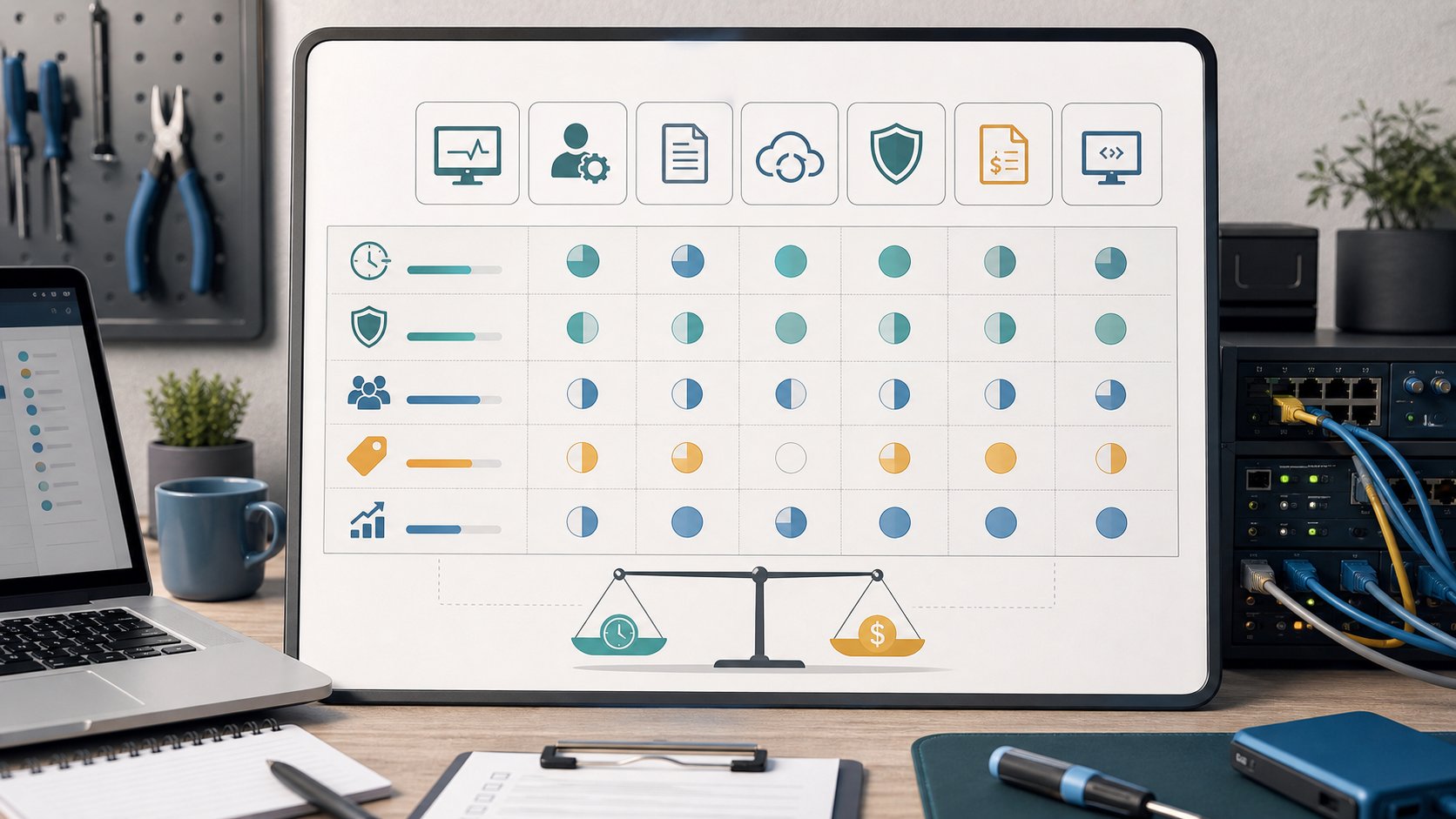
Short answer: Choose an MSP tool stack by the weekly work it must carry, not by feature count. Test workflow fit, alert quality, evidence, integrations, support load, contract minimums, data portability, and the exit path before committing the whole client base.
Choose tools by the work they must carry
Do not start a small MSP stack with vendor names. Start with the work that repeats every week.
The stack exists to carry operating load. If a tool creates more meetings, cleanup, contract pressure, alert noise, or billing confusion than the work it removes, it is not helping yet.
For a small MSP, the right stack is the one the current team can operate consistently. A larger-platform roadmap does not matter if today only the owner understands the workflow.
Map the stack to operating outcomes
Use public frameworks as a check on blind spots. The NIST Cybersecurity Framework 2.0 separates govern, identify, protect, detect, respond, and recover. Your tool stack should help with those outcomes, but the small-MSP version is practical: know what exists, control access, monitor what matters, respond through tickets, prove backups, and review risk with the client.
Before evaluating vendors, write the jobs your stack must carry:
- Inventory users, devices, servers, sites, cloud tenants, and key applications.
- Access systems remotely without shared unsafe credentials.
- Track tickets, conversations, commitments, and closure evidence.
- Document assets, procedures, access, vendor contacts, and client decisions.
- Patch operating systems and common applications.
- Protect identity, endpoints, email, and backup paths.
- Turn alerts into owned service desk work.
- Prove that backup and restore work is being checked.
- Bill without rebuilding the month from memory.
- Produce evidence for the monthly review.
If a tool does not connect to one of those jobs, it may still be useful, but it should not drive the first stack decision.

Score the boring things
The demo will show features. Your evaluation should score operational friction.
Use these questions:
- How much weekly technician time does it remove?
- Does it reduce a real client risk?
- Does it create evidence you can show the client?
- Can your current team implement it without pausing the business?
- Will alerts become a useful queue or another ignored inbox?
- Does the contract fit your current client count and cash flow?
- What happens if you need to leave the platform?
- Does the tool make billing clearer or harder?
- Does it improve documentation or create another place to search?
- Does it strengthen the service promise you already price?
The last question matters. If the tool expands the promise but pricing stays the same, the stack just created margin pressure.
Minimum integration map
A small MSP does not need every tool to integrate with everything. It does need the core work to move without copy-paste chaos.
At minimum, define how these pieces connect:
- RMM to service desk: alerts and endpoint issues become owned tickets.
- RMM to documentation: endpoints, sites, and key asset details stay discoverable.
- PSA to billing: included work, project work, and recurring agreements do not need to be reconstructed from memory.
- Backup to service desk: failures and restore-test work create tickets.
- Security alerts to service desk: identity and endpoint events have an owner and escalation path.
- Documentation to onboarding: contacts, assets, access, vendors, exceptions, and client decisions survive the first week.
- Stack reporting to monthly review: evidence can be reviewed without hours of cleanup.
If an integration does not exist, decide whether the manual step is acceptable. Manual is not always wrong. Hidden manual work is the problem.
Evaluate the core stack areas
Most small MSPs need a practical answer for five areas before adding niche tools.
RMM and endpoint management
The RMM should make endpoint coverage, patch state, remote access, scripting, monitoring, and reporting easier to operate. The evaluation is not "which RMM has the longest feature list?" It is:
- Can technicians quickly see unmanaged or stale devices?
- Are patch failures visible and actionable?
- Is remote access reliable enough for daily support?
- Are scripts controlled enough to avoid careless execution?
- Can alerts become tickets with ownership?
- Can reports support client review without manual cleanup?
- Can the MSP export useful asset and device data if the platform is replaced?
Tie this to the security baseline for small MSPs. If endpoint alerts, patch exceptions, and admin exposure are part of the baseline, the RMM must help produce evidence.
If the specific decision is whether the vendor or your MSP should operate the RMM control plane, use the self-hosted vs managed RMM decision guide to compare total cost, security ownership, continuity, pilot evidence, migration, and rollback.
PSA and service desk
The PSA or ticketing system should make work visible. It should support intake, priority, owner, next action, waiting state, escalation, closure evidence, and review rhythm.
The small MSP service desk model should drive this evaluation. If the tool cannot answer who owns the next action, the team will still manage work from memory and chat.
Documentation
Documentation is not a storage cabinet. It is an operating surface. The tool should help technicians find current access rules, asset ownership, vendor contacts, procedures, onboarding notes, exceptions, and client decisions.
Good documentation reduces repeat questions. Bad documentation becomes another system that must be searched during a fire.
Backup and recovery
Backup tools should be evaluated by coverage, alerting, restore proof, retention, access control, and reporting. A green dashboard is not enough. The tool must support the evidence rhythm you promise the client.
The FTC cybersecurity guidance for small businesses points small businesses toward practical recovery preparation. For an MSP, that means the stack must help prove the recovery path is not imaginary.
Security and identity
Security tools should reduce risk without burying the team in low-value alerts. The CISA Cybersecurity Performance Goals are useful when you want to connect controls to measurable outcomes instead of tool names.
Ask:
- Which identity risks does this tool reduce?
- Which endpoint risks does it expose?
- Which alerts need ticket ownership?
- Which exceptions can be reviewed monthly?
- Which client decisions does it surface?
- Which work is included, and which work is project or incident scope?
Do not buy a security tool whose alerts nobody will own.
Treat vendors as operational risk
A tool vendor is not only a supplier. It becomes part of your delivery chain. The NIST SP 800-161 Rev. 1 guidance on cybersecurity supply chain risk management is enterprise-oriented, but the small-MSP lesson is simple: vendor dependency is risk that should be identified, governed, and reviewed.
Before signing, check:
- Contract minimums and ramp terms.
- Price increases and renewal notice windows.
- Data export and retention options.
- API access and integration limits.
- Support response expectations.
- Security documentation and breach notification terms.
- Admin access model and MFA support.
- Audit logs for privileged or delegated access.
- What happens if your MSP or the vendor relationship ends.
The CISA guidance on SBOM is useful when the vendor is technically critical enough that software transparency matters. You may not need SBOM depth for every small-client tool, but you should know which vendors are critical to your delivery chain.
The CISA risk considerations for MSP customers are also useful in reverse. If clients should ask MSPs about access, monitoring, incident handling, and continuity, the MSP should ask similar questions of key vendors.
Exit path matters. If you cannot leave without losing documentation, billing history, scripts, client records, or backups, the tool has more power over your business than the demo suggests.
Questions to ask before signing
Ask direct operational questions:
- What is the smallest contract size and what changes at renewal?
- How do price increases get communicated?
- What data can we export, in what format, and how quickly?
- Which logs show admin activity?
- How is MFA enforced for MSP technicians?
- How are vendor support cases escalated?
- What happens if your platform is down?
- Which features require higher tiers?
- Which integrations are native, API-based, or manual?
- What does offboarding look like if we leave?
If the answer is vague during sales, assume it will be harder during an outage.
Pilot with real work
Do not pilot a stack with a fake demo client only. Pick a small real slice:
- One client.
- A few endpoints.
- One backup workflow.
- One ticket flow.
- One documentation flow.
- One monthly review output.
- One billing scenario.
Use the client onboarding checklist as a pilot input. A tool that cannot help with onboarding data, access ownership, assets, vendors, and exceptions may not be ready to carry managed service work.
30-day pilot criteria
Define the pilot before the vendor demo momentum takes over.
In 30 days, the tool should prove:
- It can be configured by the current team.
- It supports a real client workflow.
- It reduces manual work or creates better evidence.
- It does not create alert noise nobody owns.
- It can produce a useful monthly review output.
- It makes billing, scope, or closure evidence clearer.
- It has a credible exit path.
Kill or pause the purchase if:
- The owner is the only person who understands it.
- Alerts cannot become owned tickets.
- Reporting needs heavy cleanup every month.
- The vendor cannot explain export, contract, or security terms.
- The tool creates work that pricing will not fund.
- The pilot succeeds only with a fake workflow.
Measure what changed. Did the tool reduce technician time, improve evidence, lower risk, or make the client conversation clearer? If not, the pilot is not proving enough.
Price the stack honestly
The tool's invoice is only one cost. Add:
- Implementation time.
- Training time.
- Alert review time.
- Documentation migration.
- Contract minimums.
- Integration work.
- Reporting cleanup.
- Vendor support delays.
- Offboarding cost if the tool fails.
Then connect that cost to the managed services pricing guide. If the stack increases per-client cost or review obligations, the monthly plan has to fund it.
The MSP monthly review checklist should expose whether the stack is helping or creating margin drag: fewer manual steps, clearer evidence, cleaner queue patterns, better backup proof, and fewer unclear exceptions.
Small MSP tradeoff
A heavier platform may become valuable later. That does not mean it is right today.
For a two-person MSP, a simple stack used every day is stronger than a complex stack only the owner understands. Standardize the workflow first. Add platform depth when the team has enough volume to benefit from it.
Common mistake
The common mistake is buying around future identity instead of current load: "we want to look like a larger MSP, so we need the large MSP stack."
Looking larger is not the goal. Delivering consistently with the team you actually have is the goal.
When to change level
Change stack level when manual work becomes repeatable enough to automate, alert quality is too poor to trust, onboarding takes too long, reporting consumes margin, technicians cannot find documentation, or the current vendor contract blocks growth.
Do not change tools just because a demo looks better. Change tools when the operating evidence says the current stack is limiting delivery, margin, security, or client clarity.
FAQ
How should a small MSP choose its tool stack?
Start with recurring workflows and test operating load, alert quality, evidence, integrations, support, contract fit, portability, and exit options before comparing feature counts.
Which tools belong in a minimum MSP stack?
The minimum depends on the service promise, but commonly covers ticketing or PSA, endpoint visibility, documentation, backup, security controls, billing, and a reliable identity and access model.
How long should an MSP pilot a new tool?
Run the pilot long enough to observe normal work, noisy alerts, failures, reporting, support cases, billing behavior, and data export. A bounded 30-day pilot is often more useful than a demo.
When is a cheaper MSP tool more expensive?
It becomes more expensive when manual work, alert noise, weak support, poor evidence, billing friction, or difficult migration consumes more labor and risk than the license savings.
What exit questions should an MSP ask a vendor?
Ask how to export data, remove agents and integrations, recover documentation, handle retention, end contracts, transfer ownership, and prove that client access is no longer dependent on the vendor.
Related guides

PSA implementation and evaluation checklist for small MSPs
Evaluate a PSA by whether a real ticket reaches the right owner, complete time records, a correct invoice, and usable profitability evidence without hidden manual work.

MSP monthly review checklist for small teams
Run a useful monthly review without turning it into QBR theater: evidence, exceptions, queue patterns, backup proof, and scope decisions.

Pricing managed services without undercharging
Build a minimum viable price around responsibility, labor, tools, review work, risk buffer, discount boundaries, and the technician time your team must protect.

Security baseline for small MSPs
Define the controls, evidence, and client boundaries a small MSP can actually operate each month.

Client onboarding checklist for small MSPs
Turn a new client from unknown environment into documented, monitored, supported account with clear decisions and exceptions.