Tooling
Self-hosted vs managed RMM: a decision guide for small MSPs
A vendor-neutral guide for small MSPs comparing self-hosted and managed RMM by security, total cost, operations, pilot evidence, migration, and exit.
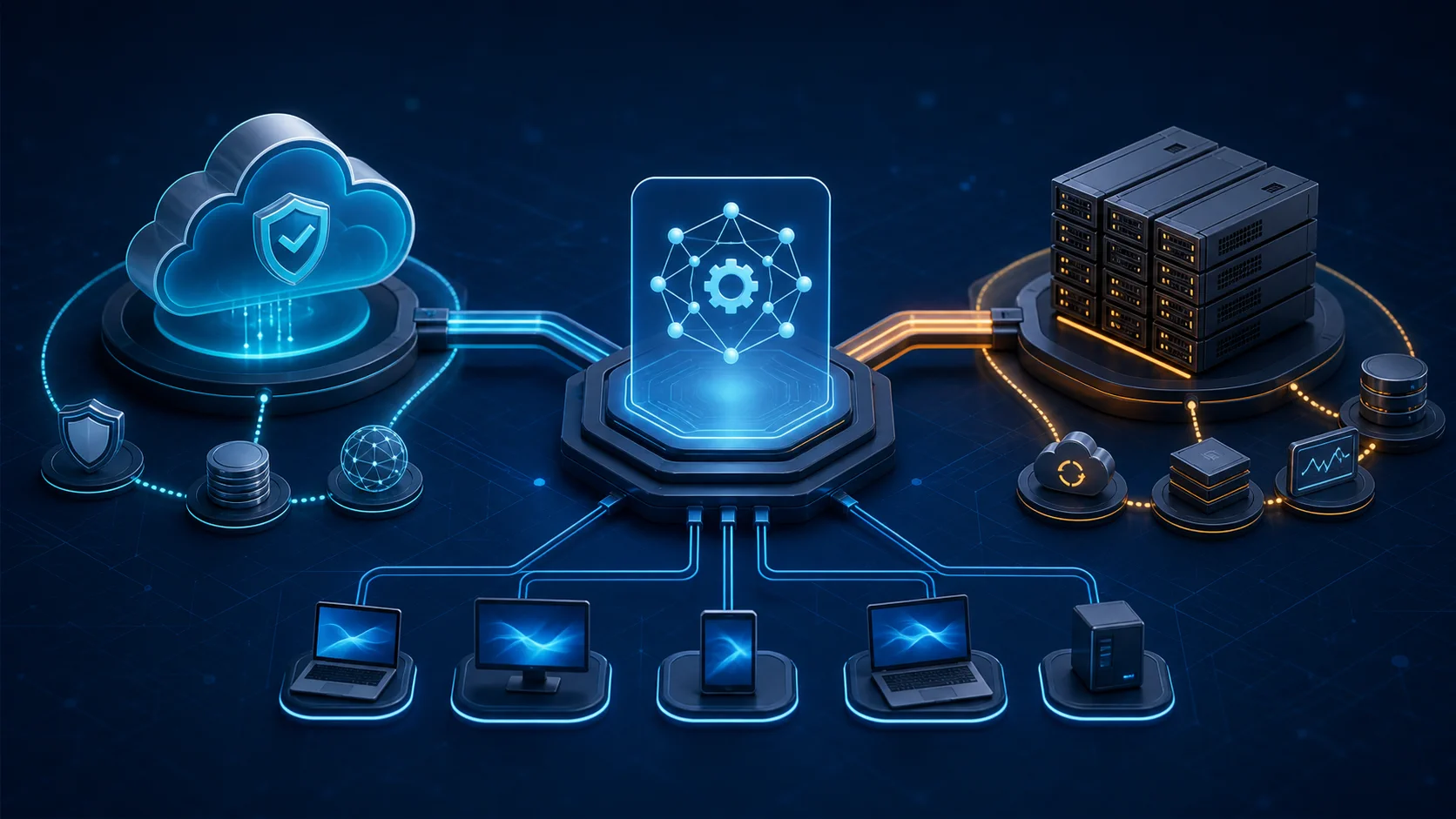
Short answer: Choose between self-hosted and managed RMM by deciding who can operate the control plane safely every week. Compare total cost, privileged-access risk, uptime, updates, backups, monitoring, integrations, support, migration, and rollback. A lower license bill is useful only when the MSP can fund and prove the responsibilities that move in-house.
The license is not the real decision
A small MSP may be satisfied with its current RMM and still need to reduce expenses. That creates an appealing question: if the team already hosts documentation, monitoring, or network-management systems, why not host the RMM too?
A recent r/SmallMSP discussion about moving to an open-source RMM exposed the real tradeoff. Operators discussed license savings, maintenance time, backups, monitoring, updates, certificates, security, insurance, integrations, and the risk of placing every client behind infrastructure the MSP must now defend.
This guide does not rank RMM products. It helps a small MSP decide whether the control plane should be vendor-operated, MSP-operated, or tested in a hybrid arrangement.
Use the broader tool stack selection framework to compare RMM against the rest of the stack. Use this guide when the specific decision is who will own the RMM infrastructure and its failure modes.
Separate license model from operating model
Open source and self-hosted are not synonyms. They answer different questions.
- Open source: source code and license terms permit a defined level of inspection, modification, or redistribution.
- Proprietary: the publisher controls the source code and license rights.
- Self-hosted: the MSP or its infrastructure provider operates the application and its dependencies.
- Managed or SaaS: a vendor operates the service and exposes it under a subscription or service agreement.
That creates at least four possible models:
- Open-source software operated by the MSP.
- Open-source software hosted and supported by a vendor.
- Proprietary software delivered as a managed service.
- Proprietary software licensed for the MSP to host.
Do not use “open source” as shorthand for free, self-hosted, unsupported, or insecure. Do not use “SaaS” as shorthand for maintained, recoverable, or secure. Record the actual license, hosting, support, update, data, and responsibility model.
Define the RMM job before changing it
Write what the current RMM actually carries before comparing replacements:
- Endpoint enrollment and inventory.
- Patch approval, deployment, exceptions, and evidence.
- Remote desktop, shell, and file-transfer access.
- Script storage, approval, execution, and output.
- Monitoring policies, alert routing, suppression, and escalation.
- Technician roles, client separation, and audit history.
- Ticket creation and service desk ownership.
- Documentation, PSA, billing, reporting, and API integrations.
- Client-facing reports and monthly review evidence.
- Emergency access when another tool or identity system is unavailable.
Also record what it does not carry. A remote-access utility is not automatically a complete RMM. A patch tool is not automatically monitoring, scripting, alert ownership, and client reporting. Replacing one product with three utilities may be valid, but the operating model must show who owns the gaps.
Treat the RMM as privileged shared infrastructure
An RMM is not an ordinary internal web app. It can execute commands, deploy software, change configuration, transfer files, and reach many client endpoints.
The joint CISA guidance for MSPs and their customers emphasizes that MSPs commonly hold privileged access and trusted connectivity across customer environments. A compromised provider can become an initial-access path into multiple customers.
That makes the decision boundary simple:
If compromise of this control plane can affect several clients at once, operate it as critical service-delivery infrastructure, not as another low-cost server.
Define the blast radius:
- How many clients and endpoints can one technician account reach?
- Can one policy, script, update, or credential cross client boundaries?
- Does the RMM depend on the MSP's primary identity tenant?
- Can an attacker delete logs, backups, and the live service with the same identity?
- Which emergency action can stop command execution without destroying evidence?
- How will the MSP notify and support affected clients if the platform is compromised?
The answer is not that managed platforms are safe and self-hosted platforms are dangerous. The answer is that privileged access creates risk in either model, and somebody must be capable, accountable, and funded to operate the controls.
Build a responsibility map
For each task, name the owner, evidence, escalation path, and backup owner.
In a managed model, verify the vendor owns
- Service availability, capacity, and platform recovery.
- Infrastructure and application patching.
- Platform monitoring and incident response.
- Secure software delivery and change notification.
- Service-side backups and tested restoration.
- Tenant isolation and platform auditability.
- Support escalation and security notification.
- Data retention, export, and deletion after termination.
The MSP still owns technician identities, roles, endpoint policies, alert handling, scripts, client authorization, integrations, and contract promises. SaaS does not transfer those duties.
In a self-hosted model, the MSP must own
- Operating system, runtime, database, proxy, DNS, certificates, and dependencies.
- Network design, exposure, firewall policy, and administrative access.
- Application upgrades, security fixes, release validation, and rollback.
- Capacity, uptime, monitoring, on-call response, and vendor or community escalation.
- Backups of data, configuration, scripts, secrets, and recovery documentation.
- Restore tests into a clean environment.
- Centralized logs protected from the same failure domain.
- Incident containment, evidence preservation, client communication, and recovery.
If a responsibility has no named owner because “the team will handle it,” the owner is effectively the busiest person during the outage.
Calculate total monthly delivery cost
Compare the same operating boundary in both models.
```text
License or subscription
+ compute, database, storage, traffic, DNS, certificates, and backup
+ monitoring, logging, security scanning, and alert delivery
+ routine maintenance and upgrade labor
+ restore testing and continuity exercises
+ technician training and workflow migration
+ expected incident and support time
+ after-hours coverage or external support
+ depreciation or replacement of on-premises infrastructure
+ exit, export, and rollback preparation
= total monthly RMM delivery cost
```
Convert owner time into a real loaded rate. Two hours of maintenance are not free because they happen after client work. Add the revenue or delivery work displaced when the most experienced technician maintains the platform.
Use the managed services pricing guide to check whether the client plan can finance this operating cost. If the RMM saves $300 in licensing but adds $500 in recurring labor and risk work, the saving is not real.
Also model the bad month:
- A failed upgrade requires rollback.
- The database fills or becomes corrupt.
- A certificate expires.
- Remote access fails during a client outage.
- A security fix requires an emergency change.
- The one person who understands the deployment is unavailable.
The normal month proves affordability. The bad month proves survivability.
Apply a minimum security gate
Do not pilot a self-hosted RMM on client endpoints until these controls exist:
- Named technician accounts; no shared administrator.
- Enforced phishing-resistant MFA where supported.
- Least-privilege roles separated by client and function.
- A separate emergency account with controlled, reviewed use.
- Administrative access separated from ordinary technician browsing and email.
- Minimal public exposure, controlled ingress and egress, and documented ports.
- Protected secrets, API tokens, signing keys, database credentials, and backup credentials.
- Verified release source, update integrity, dependency inventory, and rollback package.
- Centralized authentication, policy, script, remote-session, and administrative logs.
- Alerts that become owned tickets, not another inbox.
- Tested backup and clean-environment restore.
- A kill or isolation path that stops remote command capability while preserving evidence.
- A written incident runbook with client-notification ownership.
CISA, NSA, and MS-ISAC warn that legitimate RMM software can be abused for persistence and command and control. Their mitigations include auditing authorized remote-access tools, reviewing execution logs, controlling software execution, and restricting remote access to approved paths.
Apply that guidance in both directions: protect your RMM from compromise, and help clients distinguish your authorized agent from unauthorized remote-control software.
Design continuity before the first outage
Define the recovery target for the RMM itself:
- How long can technicians operate without the console?
- Which support work can continue through an alternate path?
- What configuration and data loss is acceptable?
- Where is the backup stored, and which identity can restore it?
- Can the service be restored if the primary cloud account, site, domain, or identity tenant is unavailable?
- Who has the runbook and recovery authority when the owner is offline?
The NIST remote access security guide recommends treating remote-access components through threat models, security controls, and documented policy. For a self-hosted RMM, that means recovery cannot be limited to “the VM is backed up.” The MSP must prove the application, database, certificates, secrets, networking, agent connectivity, and technician access can be restored together.
Run at least these exercises:
- Restore the application and database into an isolated environment.
- Recover administrative access without the primary operator.
- Reissue or restore certificates and agent trust safely.
- Confirm logs survive loss or compromise of the live server.
- Disable or isolate the control plane without uninstalling every agent.
- Support one endpoint through the documented alternate path.
Connect the evidence to the backup restore testing checklist. A successful snapshot job is not a recovered RMM.
Test the workflow, not only the console
The RMM is ready when normal work survives the change.
Test:
- A new endpoint enrolls into the correct client and policy.
- An unmanaged or stale endpoint becomes visible.
- A patch failure produces a ticket with owner and evidence.
- A technician can start an approved remote session without shared credentials.
- A script requires the intended approval and records operator, target, output, and time.
- Alerts preserve client context and avoid duplicate noise.
- Device and client data remain discoverable in documentation.
- Included work and project work remain distinguishable for billing.
- Monthly reports can be produced without manual reconstruction.
- Offboarding can export data, remove agents, and revoke access cleanly.
Use the small MSP service desk model as the acceptance path. If alerts cannot become owned work, the new RMM has only moved the dashboard.
Run a 60-to-90-day parallel pilot
Begin with internal devices. Then add a small, authorized group of non-critical client endpoints. Do not make the first recovery test the day the old platform is canceled.
Before the pilot
- Inventory current policies, scripts, monitors, reports, integrations, roles, and exceptions.
- Define hard gates and measurable acceptance criteria.
- Prepare backup, restore, upgrade, outage, and rollback runbooks.
- Define which client data may enter the new platform and where it will reside.
- Record the old platform's cancellation, export, and agent-removal rules.
During the pilot
- Operate both platforms only where duplicate agents and policies are safe.
- Prevent competing patch jobs, scripts, reboots, and remote-control settings.
- Measure setup, maintenance, alert review, ticket cleanup, and support time.
- Complete at least one normal upgrade and one rollback exercise.
- Restore the platform from backup in isolation.
- Test loss of an operator, credential, certificate, and service node.
- Validate endpoint removal and data export.
- Record every manual step the demo did not show.
Stop the pilot if
- MFA, role separation, logs, or client isolation cannot meet the gate.
- Updates cannot be validated or rolled back predictably.
- Restore depends on undocumented owner knowledge.
- Remote access is unreliable for the support promise.
- Alerts create more unowned work than the current platform.
- The measured operating cost removes the expected saving.
A pilot is allowed to end with “keep the current RMM.” Avoiding a bad migration is a valid result.
Use hard gates before weighted scoring
Do not let a low price compensate for a failed security or recovery requirement.
Hard gates
- MFA and named accounts.
- Client separation and least privilege.
- Auditable privileged actions.
- Reliable remote access for supported systems.
- Tested backup and restoration.
- Controlled upgrades and rollback.
- Defined incident and client-notification path.
- Exportable client and endpoint data.
If a finalist fails a hard gate, stop or document a temporary exception with owner, deadline, and compensating control.
Weighted criteria
Score the finalists against the same evidence:
- Total monthly delivery cost.
- Weekly technician time.
- Alert quality and ticket flow.
- Patch and script control.
- Integration effort.
- Reporting quality.
- Support and escalation.
- Availability and recovery.
- Migration effort and exit cost.
- Fit with the current team's skills.
Keep the evidence beside the score. A “5” without a test result is sales momentum written as a number.
Plan migration and rollback together
The migration plan should include:
- Endpoint inventory and owner reconciliation.
- Client approval where the agreement or security scope requires it.
- Policy, script, monitor, role, and integration mapping.
- Credential and secret rotation.
- Agent coexistence rules and removal order.
- Maintenance windows and reboot controls.
- Success measures per client group.
- Freeze point for risky configuration changes.
- Rollback triggers and authority.
- Export and retention from the former platform.
- Final evidence that old access and agents were removed.
Do not assume uninstalling the old agent completes migration. Confirm scheduled tasks, services, remote-control modules, API tokens, technician accounts, webhooks, scripts, and vendor access are closed or transferred.
Tie the exit work to the offboarding and access recovery checklist, even when the “offboarding” is from a tool rather than a client.
Document the decision for clients and insurers
The useful record is not “open source is safer” or “the big vendor is responsible.” Write:
- Business reason for the change.
- Models and alternatives evaluated.
- Security and recovery hard gates.
- Test results and known exceptions.
- Hosting and data locations.
- Privileged-access and client-separation design.
- Update, vulnerability, incident, and notification ownership.
- Backup and restore evidence.
- Support and escalation arrangement.
- Migration, rollback, and exit plan.
- Approval owner and next review date.
The CISA MSP guidance recommends that MSP-customer contracts clearly identify ownership of security roles and responsibilities. A self-hosted design creates more responsibilities to name; it does not make them disappear from the contract.
Common mistakes
The most common mistake is comparing the SaaS invoice with the self-hosted license and calling the difference savings.
Other failures include:
- Treating open source and self-hosting as the same decision.
- Calling remote access or patching alone a complete RMM replacement.
- Hosting critical control infrastructure on an unmonitored spare server.
- Using one administrator across every client and every platform layer.
- Keeping logs and backups in the same account and failure domain as production.
- Applying updates directly to production without staging or rollback.
- Ignoring certificate, database, dependency, and storage maintenance.
- Migrating scripts without reviewing their privilege and safety.
- Running two agents without controlling duplicate policies and reboots.
- Canceling the old service before export, recovery, and rollback tests pass.
- Counting owner nights and weekends as zero-cost labor.
Choose the operating model the team can sustain
Self-hosting may fit when the team already operates secure production services, has more than one capable owner, can provide monitoring and response, can test recovery, and the measured savings remain after real labor and risk costs.
A managed RMM may fit when the team needs vendor-operated availability and updates, does not want to own another privileged platform, values contractual support, or cannot yet provide the security and continuity gate internally.
A hybrid may fit when the MSP pilots a self-hosted platform for internal or isolated use while keeping the managed platform for the wider client base. Hybrid is useful only when duplicated tooling does not create hidden policy, security, billing, or training debt.
When to change level
Revisit the decision when the current contract no longer fits endpoint count or cash flow, vendor support becomes a delivery risk, self-hosting consumes more margin than expected, one person remains a critical dependency, the platform cannot meet security or recovery gates, or integrations prevent clean client service.
The right RMM is not defined by who owns the server. It is the model your MSP can secure, operate, recover, explain, and leave without gambling the client base.
FAQ
Is open-source RMM the same as self-hosted RMM?
No. Open source describes access to the software's source code and license terms; self-hosted describes who operates the infrastructure. An open-source RMM may be hosted by the MSP or delivered as a managed service, while proprietary RMM may also be SaaS or self-hosted. Evaluate the license and operating model separately.
Is a self-hosted RMM cheaper for a small MSP?
It can reduce license expense, but only a total-cost calculation can show whether it is cheaper. Include hosting, backups, monitoring, certificates, upgrades, security work, incident response, technician time, support, migration, and the opportunity cost of maintaining critical infrastructure.
Is a managed RMM automatically more secure than a self-hosted RMM?
No. Either model can fail. A managed vendor owns more of the control-plane operation, while self-hosting moves more patching, hardening, monitoring, recovery, and evidence duties to the MSP. Compare verified controls, response capability, failure domains, and accountability instead of assuming the hosting model proves security.
How should a small MSP pilot a new RMM?
Run it in parallel for 60 to 90 days on internal devices and a small authorized group of non-critical client endpoints. Test enrollment, patching, scripts, remote access, alerts, ticket flow, roles, audit logs, upgrades, backup restoration, outage handling, export, rollback, and actual technician time before moving the wider client base.
What is the minimum security gate for a self-hosted RMM?
Require named accounts, enforced MFA, least privilege, segregated administration, controlled network exposure, protected secrets, signed or verified updates, centralized logs, actionable monitoring, tested backups, a documented emergency shutdown path, and an incident runbook. If the MSP cannot operate those controls consistently, the platform is not ready for client endpoints.
Related guides
Tool stack selection framework for small MSPs
Choose tools by weekly operating load, alert quality, evidence, contract fit, and exit path, not by the loudest demo.
Security baseline for small MSPs
Define the controls, evidence, and client boundaries a small MSP can actually operate each month.
Pricing managed services without undercharging
Build a minimum viable price around responsibility, labor, tools, review work, risk buffer, discount boundaries, and the technician time your team must protect.
Backup restore testing checklist for small MSPs
Turn a green backup dashboard into recovery evidence: restore the right data, validate it, measure the time, and record what happens next.
Documentation standard for small MSP teams
Define the minimum client records small MSP teams need: contacts, assets, access, vendors, backups, exceptions, recurring tasks, ownership, review rhythm, and stale-note cleanup.
Small MSP service desk model
Define intake, priority, next action, escalation, waiting states, closure evidence, and review rhythm before the queue becomes noise.